🐽 Bacon Language Server
If you, like, me, spend a lot of my development time doing Rust 🦀 inside Neovim and is not satisfied by rust-analyzer performance with medium to large sized repositories, you are in the right place 🤩.
Disabling rust-analyzer.diagnostic and rust-analyzer.checkOnSave, the experience becomes
much more snappy, but we loose LSP diagnostics. Here comes Bacon
to the rescue.. Bacon is a wrapper around cargo that watches the crate we
are developing, runs the target command (build, test, clippy, etc..) when there are changes
and reports the diagnostics in a structured view in the bacon TUI. This little tool is also
able to keep the cargo diagnostics up to date in a file and in a format we can parse.
🐽 bacon-ls
bacon-ls is the companion to Bacon, reading the diagnostics from the Bacon export file and exposing them via the Language Server Protocol over standard input.
So how does developing with bacon-ls looks like?
First of all, bacon and bacon-ls must be installed on the system:
1
We need to disable a couple of rules in rust-analyzer configuration.
Depending on your editor, the instructions could differ, but for Neovim LSP, it is
roughly like this:
1default_settings =
2
3
4
5
6
bacon-ls needs to be added to the available servers for nvim-lspconfig.
Unfortunately this is still manual, but I am slowly adding the support upstream:
- ✅ #3160 Add
bacon-lsto nvim-lspconfig - 🕖 #5774 Add
bacon-lsto mason-nvim - 🕖 #186 Include compiler hints in Bacon locations
- 🕖 #3132 Add
bacon-lsto LazyVim Rust extras
1local configs = require
2if not configs.
3
4
5
6
7
8
9
10
11lspconfig..
And now you are ready to go!
Neovim should look like this:
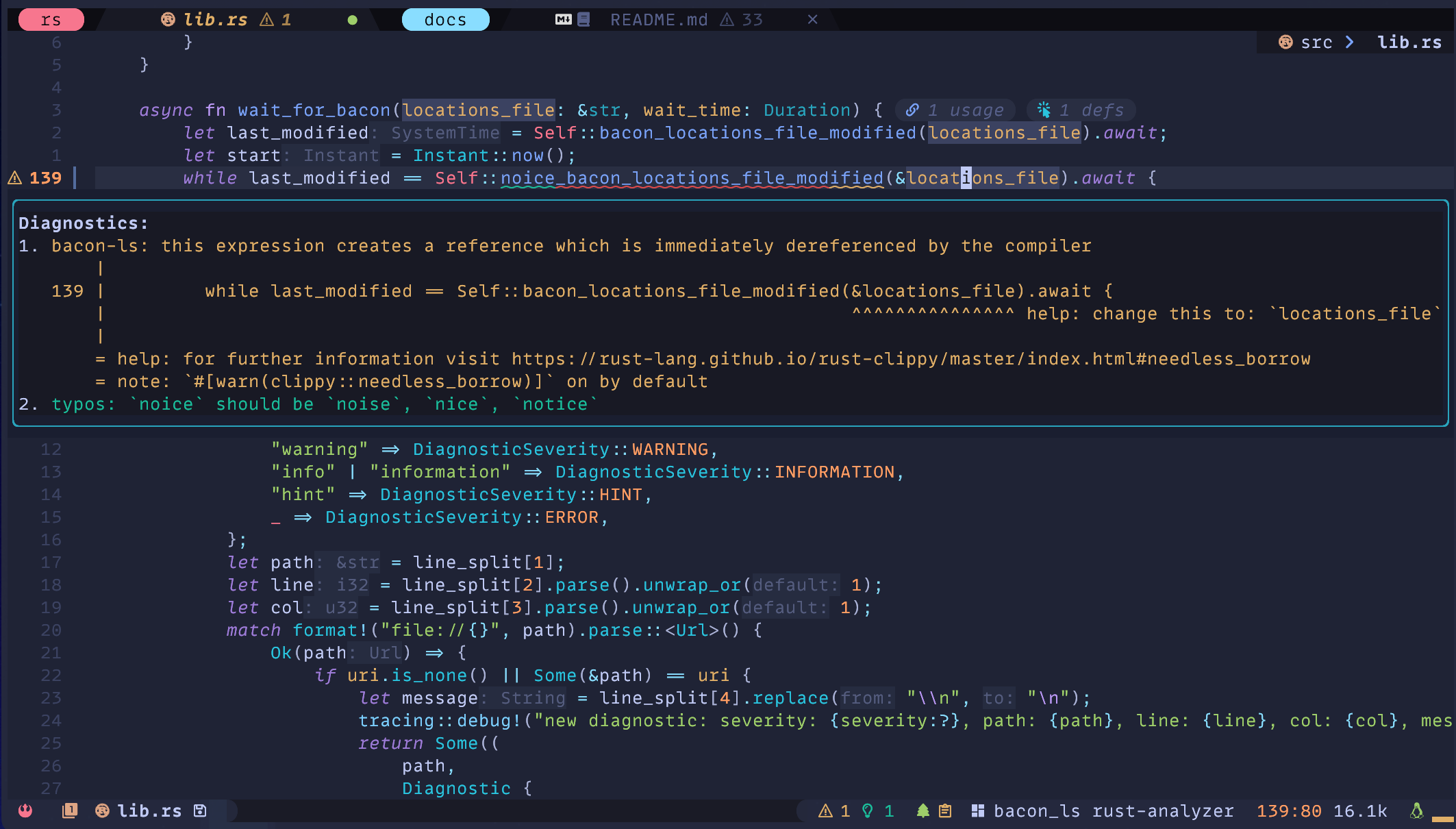
If you like the look and feel, you can check my Neovim configurations and this blog post 😀.
Live diagnostics
With a properly configured client, the experience is pretty snappy. I keep nvim-lspconfig
setting update_in_insert = true for very smooth diagnostic icons transitions.

If you are interested in how the LSP server is designed and implemented, I'll shortly release a new post about it!
bacon-ls is open source and can be found on Github.